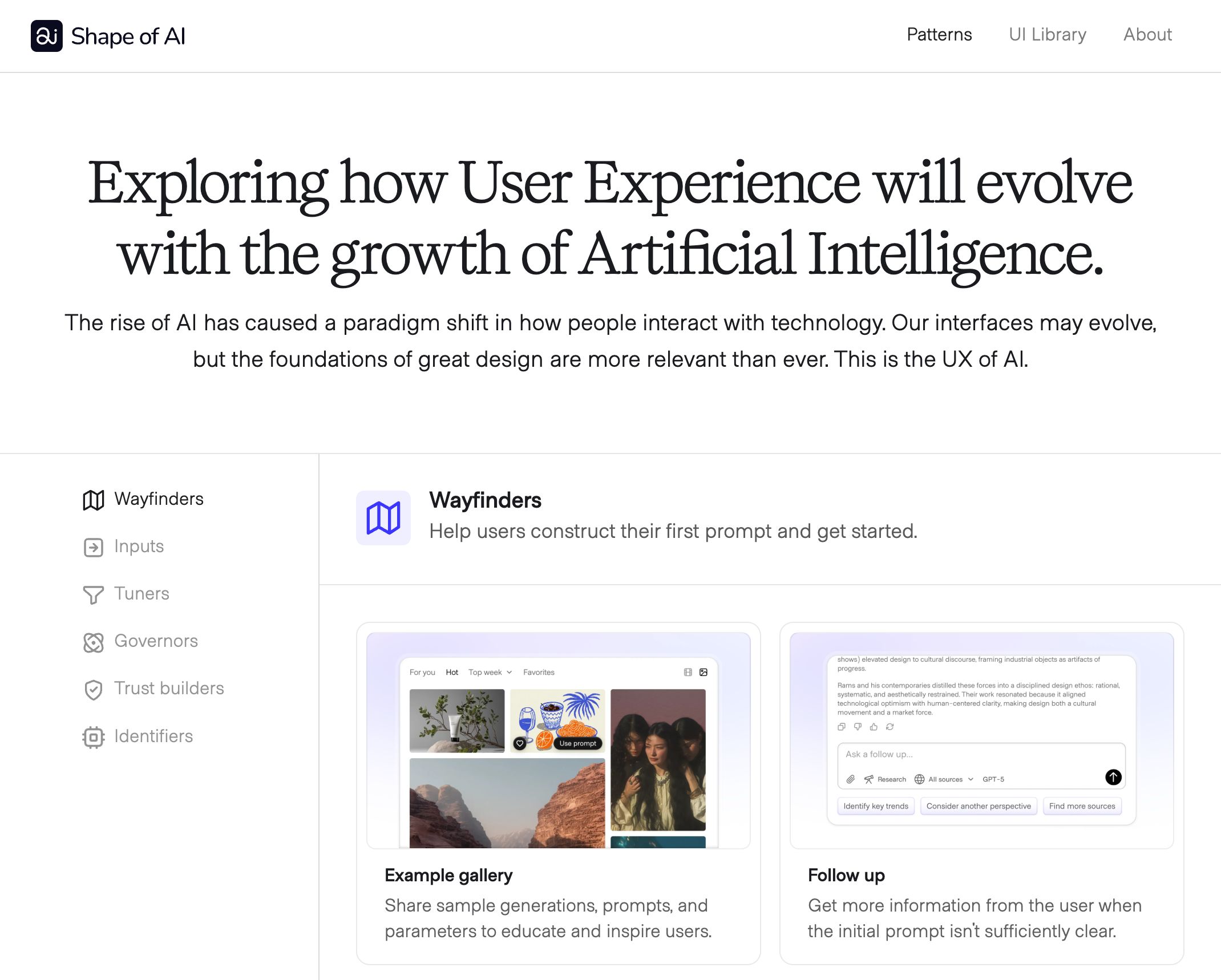
Patterns UI Library About Exploring how User Experience will evolve with the growth of Artificial Intelligence. The rise of AI has caused a paradigm shift in how people interact with technology. Our interfaces may evolve, but the foundations of great design are more relevant than ever. This is the UX of AI. Wayfinders Inputs Tuners Governors Trust builders Identifiers Wayfinders Help users construct their first prompt and get started. Example gallery Share sample generations, prompts, and parameters to educate and inspire users. Follow up Get more information from the user when the initial prompt isn't sufficiently clear. Initial CTA Large, open-ended input inviting the user to start their first interaction with the AI. Nudges Alert users to actions they can take to use AI, especially if they are just getting started. Prompt details Show users what is actually happening behind the scenes. Randomize Kickstart the prompting experience with a low bar and fun results Suggestions Solves the blank canvas dilemma with clues for how to prompt. Templates Structured templates that can be filled by the user or pre-filled by the AI. Prompt actions Different actions that users can direct AI to complete. Auto-fill Extend a prompt to multiple fields or inputs at once. Chained action Describe Decomposes the course into its fundamental tokens and suggested prompt. Expand Lengthen the underlying content or add depth and details. Inline Action Ask or interact with AI contextually based on something already available on the page. Inpainting Target specific areas of the AI's result to regenerate or remix. Madlibs Repeatedly run generative tasks without compromising on the format or accuracy. Open input Open ended prompt inputs that can be used in AI conversations and other natural language prompting Regenerate Have the AI reproduce its response to the prompt without additional input Restructure Use existing content as the starting point for prompting. Restyle Transfer styles without changing the underlying structure of a generation. Summary Have AI distill a topic or resource down to its essence. Synthesis Distill or reorganize complicated information into simple structure. Transform Use AI to change the modality of content. Tuners Adjust contextual data, token weights, and input details to refine the prompt Attachments Give the AI a specific reference to anchor its response. Connectors Allow AI to reference external data and context. Filters Constrain the inputs or the outputs of the AI by source, type, modality, etc. Model management Let users specify what model to use for their prompts. Modes Adjust the underlying training, constraints, and persona to a specific context of use. Parameters Include constraints with your prompt for the AI to reference when generating its result. Preset styles Provide default options to change the texture, aesthetic, or tone of generative media. Prompt enhancer Saved styles Allow users to define their own style presets for re-use. Voice and tone Ensure outputs match your voice, tone, and preferences in a consistent way. Governors Human-in-the-loop features to maintain user oversight and agency. Action plan Have the AI show the steps it will take to respond to the user's prompt before it executes its response Branches Support iterative prompting while retaining footprints band visibility back to the original Citations Lets the AI give inline annotations to cite its sources Controls Manage the flow of information or pause a request mid-stream to adjust the prompt Cost estimates Help users proactively modulate compute power through transparent cost estimates for actions Draft mode Support exploration and iterative prompting while reducing compute costs until a final form is ready Memory Control what details the AI knows about you References See and manage what additional sources the AI references to generate its response Sample response Confirm the user's intent for complicated prompts Shared vision Live visibility into the AI's action in a shared canvas or workspace Stream of Thought Reveals the AI's logic thought process, tool use, and decisions for oversight and auditability Variations Trace through multiple variations of a result to choose the one that works best for them Verification Allow users to confirm AI decisions and actions before proceeding Trust builders Give users confidence that the AI's results are ethical, accurate, and trustworthy Caveat Inform users about shortcomings or risks in the model or the technology overall Consent Only capture data from others with their knowledge and permission Data ownership Control how the model remembers and uses your data Disclosure Clearly mark content and interactions guided or delivered by AI Footprints Let users trace the AI's steps from prompt to result Incognito Mode Interact with the AI outside of its memory Watermark Identifiers on AI Generative content that humans, software, or programs can read Identifiers Distinct qualities of AI that can be modified at the brand or model level to stand out. Avatar Visual identifier of the AI itself to help it be recognizable, memorable, and on-brand. Color Visual cues to help users identify AI features or content. Iconography Images that represent AI-powered actions throughout the interface. Name How the AI is referred to through the product and across the overall customer experience. Personality Characteristics that distinguish the AI's personality and vibe. Follow along [↑] Subscribe to the newsletter for free to support the project or follow along. [↑] Join the Slack where we can discuss emerging patterns, new products, and the changing role of design. The community is free to join and participate in. © Emily Campbell 2025 | Sharable under CC-BY-NC-SA | Contact