A collaborative AI workspace, built on your company context. Build and orchestrate agents right alongside your team's projects, meetings, and connected apps.
https://app.notion.com/p/pablostanley/Claude-Code-and-terminal-Cheat-Sheet-22b387c9b11380269b24e65104acda99Reader - page text saved at the timeđ¤
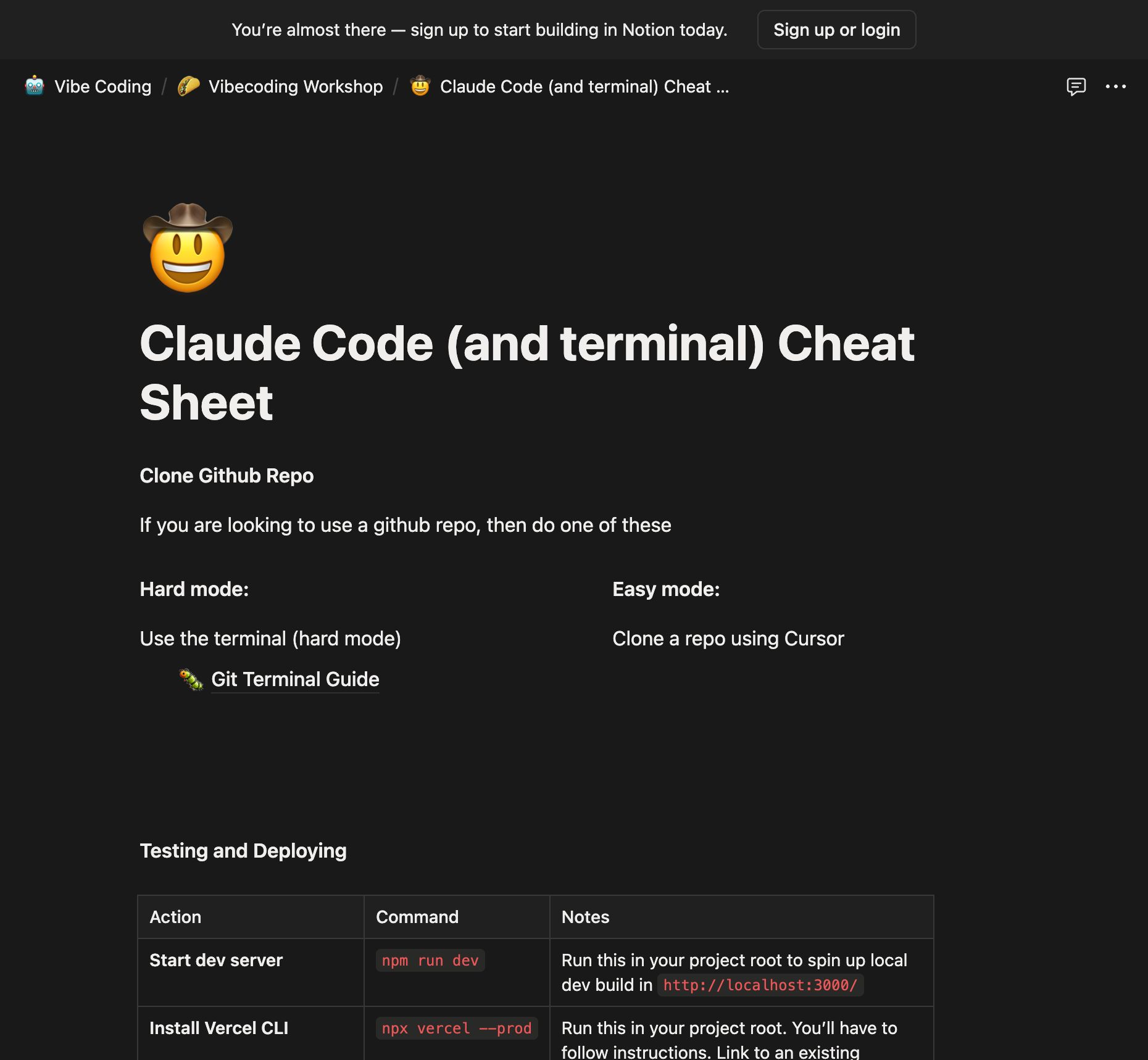
Claude Code (and terminal) Cheat Sheet
Clone Github Repo
If you are looking to use a github repo, then do one of these
Hard mode:
Use the terminal (hard mode)
đ
Git Terminal Guide
Easy mode:
Clone a repo using Cursor
Testing and Deploying
Action
Command
Notes
Start dev server
npm run dev
Run this in your project root to spin up local dev build in http://localhost:3000/
Install Vercel CLI
npx vercel --prod
Run this in your project root. Youâll have to follow instructions. Link to an existing project if you already have it (gonna need the project name)
Deploy to Vercel (direct)
vercel --prod
Publishes your site to production.
Deploy via npm script
npm run deploy
Shortcut if you add "deploy": "vercel --prod" to scripts.
Launch Claude
Go to the folder where you wanna use Claude Code cd folder
Install: npm install -g @anthropic-ai/claude-code
Launch: claude
Login
Press / and select login to get in with your account or enter an api key
I recommend paying for an account if youâre gonna do a lot of work
Generate a claude.md file
Press /init to create
These sets the rules for claude on how to act and follows them thoroughly
You can edit them (since itâs a text file)
You can also ask it to ârememberâ and it will automagically change the file, too.
Cycle through modes with Shift + Tab
Plan Mode: Thinks through the problem without changing the code.
Auto-Accept Edits
Use Screenshots
You have to use them as files
Drag and drop the file in the terminal and it will get the file path
Ctrl + V (not cmd + v)
You can use screenshots as feedback like âhey, look, it looks fugly⌠FIX IT!â
Copy Paste Documentation Links
Claude Code has a browser ability!
Copy paste urls and it should try going there and seeing whatâs up
It sometimes even does google searches (hey, just like humans! lol)
Use Sub Agents
You can run tasks in parallel that donât affect the main task⌠like multiple little robots doing stuff at the same time
Say something like run a subagent for directory x, y and z
They appear as âtasksâ on the terminal
Double Check Work
Just ask it âhey, can you make sure youâre not breaking stuffâ
âCould you only proceed until youâre 90% sure about your plan?â
Use template commands with /
You can save template commands u wanna use a lot and access them with the slash command
Good if youâre doing tests or repetitive tasks
Use Git as a checkpoint
Cursor doesnât have a good âRestore Checkpointâ similar to Cursor
Use Github CLI, brew install gh
Or install as an MCP server: https://github.com/github/github-mcp-server?tab=readme-ov-file#usage-with-claude-desktop
Get Personal Token here: appsâ
Super Pro Tip: Use Gemini (similar to Claude Code) to test what u get
run this on the terminal
npx https://github.com/google-gemini/gemini-cli